
Veo 3 on Mobile: How to Use Google's AI Video Generator on iPhone and Android (2026)
How to access and use Veo 3 on iPhone and Android. Gemini app, mobile browser access, tips for mobile video generation.
Emma Chen · 5 min read · Apr 1, 2026
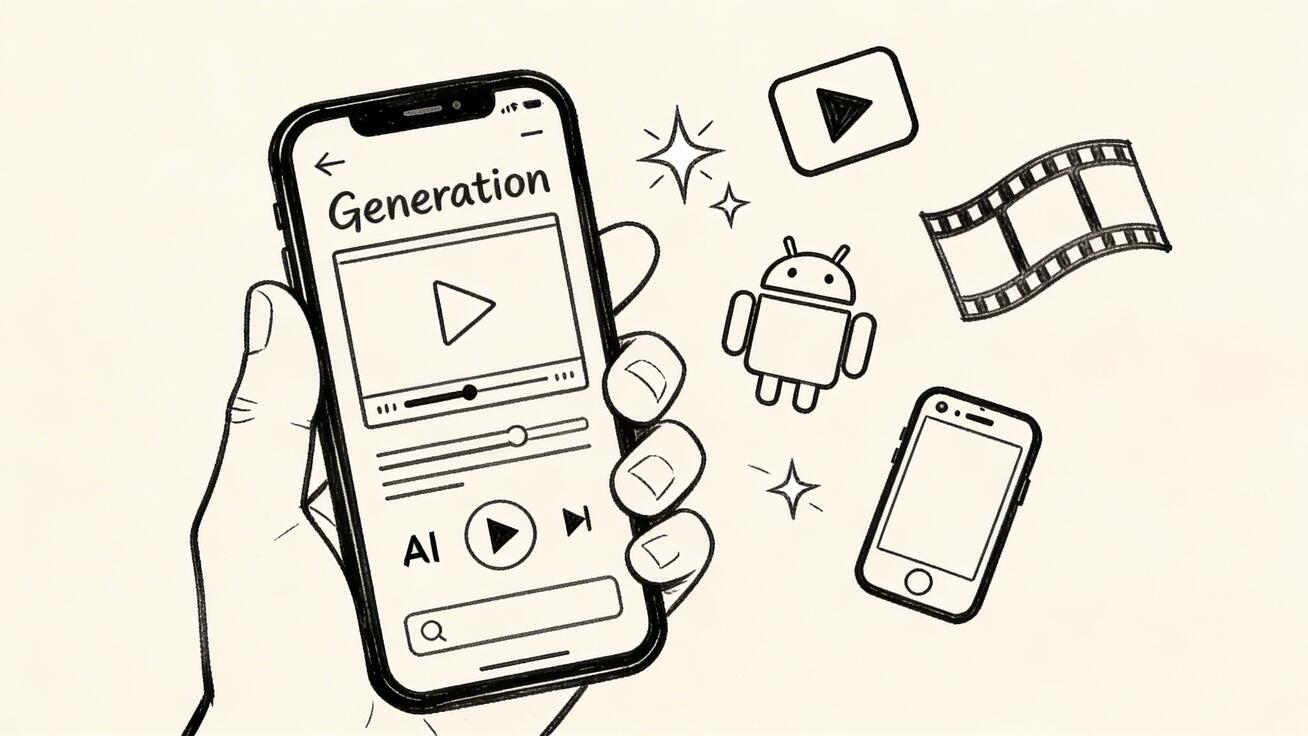
Veo 3 on Mobile: How to Use Google's AI Video Generator on iPhone and Android (2026)
Veo 3 isn't just a desktop tool. Google has made its most advanced AI video generator accessible on mobile devices, meaning you can generate cinematic 4K AI videos directly from your iP
Quick Answer: Veo 3 on Mobile: How to Use Google's AI Video Generator on iPhone and Android (2026) by following a straightforward process: set up your account, input your prompt or media, configure settings, and export your finished video in minutes using AI automation.
hone or Android phone. This guide covers exactly how to access and use Veo 3 on mobile.
How to Access Veo 3 on Mobile
Veo 3 is accessible on mobile through two primary methods:
Method 1: Gemini App (Recommended)
The Google Gemini app — available on both iOS and Android — now includes Veo 3 video generation for subscribers with Google One AI Premium ($19.99/mo).
Steps:
- Download the Gemini app from the App Store (iOS) or Google Play (Android)
- Sign in with your Google account
- Ensure you have Google One AI Premium subscription
- In the chat, type a video generation prompt
- Tap the video generation option when it appears
- Wait 30-90 seconds for your video to generate
- Download or share directly from the app
Method 2: Google AI Studio Mobile Browser
Google AI Studio (aistudio.google.com) is fully functional in mobile browsers:
- Open Safari (iOS) or Chrome (Android)
- Navigate to aistudio.google.com
- Sign in with your Google account
- Select Veo 3 model from the model dropdown
- Enter your prompt and generate
- Download the resulting video
Method 3: veo3ai.io Mobile
The veo3ai.io website is fully mobile-optimized, providing the easiest mobile Veo 3 experience:
- Visit veo3ai.io on your mobile browser
- No app download required
- Generate videos directly from the mobile-friendly interface
- Download or share
Mobile-Specific Tips for Veo 3
Tip 1: Use Voice Input for Prompts
On mobile, use your phone's voice-to-text to dictate prompts instead of typing. Tap the microphone icon in your keyboard — this lets you speak complex, detailed prompts naturally.
Tip 2: Optimize for Mobile Viewing
On mobile, choose 9:16 aspect ratio (vertical format) for content destined for TikTok, Instagram Reels, or YouTube Shorts. This is the native format for mobile-first content.
Tip 3: Generate While Commuting
Video generation takes 30-90 seconds — perfect for background generation while commuting. Submit your prompts, check your messages, and return to download completed videos.
Tip 4: Share Directly from Mobile
Mobile Veo 3 access makes it easy to generate and immediately share to social platforms without transferring files to a desktop first.
Tip 5: Save Prompts in Notes App
Build a prompt library in Apple Notes or Google Keep. Copy-paste effective prompts for quick repeat use without retyping.
Mobile vs Desktop: What's Different?
| Feature | Mobile | Desktop |
|---|---|---|
| Access | Gemini app or browser | Browser / API |
| Prompt input | Voice or type | Type / paste |
| Generation speed | Same (server-side) | Same |
| Download | Direct to camera roll | Direct to files |
| Advanced settings | Limited in app | Full in AI Studio |
| Batch generation | Not supported | API support |
The core generation quality is identical — Veo 3 runs on Google's servers regardless of your device.
Best Mobile Prompts for Veo 3
Short, punchy prompts work especially well for mobile use:
Drone shot of city at night, moving lights below, cinematicPerson surfing a wave at sunset, slow motion, golden lightCoffee being poured in slow motion, steam rising, close-upCherry blossom petals falling in gentle breeze, soft focusMountain peak emerging from clouds at sunrise, epic wide shot
Does Veo 3 Have a Dedicated Mobile App?
As of 2026, Veo 3 does not have a standalone dedicated app. Access is through:
- The Google Gemini app (with AI Premium subscription)
- Mobile browsers via AI Studio or veo3ai.io
Google is actively developing its AI mobile experience, and a dedicated Veo app may be released in late 2026. Check the veo3ai.io blog for updates.
Frequently Asked Questions
Can I use Veo 3 on iPhone?
Yes. Access Veo 3 on iPhone through the Google Gemini app (with AI Premium subscription) or via mobile browsers at AI Studio or veo3ai.io.
Can I use Veo 3 on Android?
Yes. Android users can access Veo 3 through the Gemini app on Google Play or through mobile browsers. Android often has slightly better Google app integration than iOS.
Is Veo 3 free on mobile?
Veo 3 has a limited free tier accessible via AI Studio in mobile browsers. The Gemini app requires Google One AI Premium ($19.99/mo) for Veo 3 access. Visit veo3ai.io for the most accessible free mobile experience.
Does video quality differ between mobile and desktop?
No. Video generation happens on Google's servers — the quality is identical whether you submit the prompt from a phone or a desktop computer.
Can I generate videos while offline?
No. Veo 3 requires an internet connection — video generation runs on Google's cloud servers.
Start generating Veo 3 videos from your phone at veo3ai.io.
Related: How to Use Veo 3 Free | Veo 3 Prompt Guide | Veo 3 Pricing
Our Verdict
Google Veo 3 represents the current state of the art in AI video generation, delivering unmatched cinematic quality, realistic motion, and native audio synthesis. For creators and professionals who want the best possible output, Veo 3 is the clear frontrunner in 2025 — and it's only getting better with each update.
Related Articles
Continue with more blog posts in the same locale.
Veo 3 Tutorial for Beginners: Complete Step-by-Step Guide 2026
Learn how to use Veo 3 with this comprehensive beginner guide. Master text-to-video and image-to-video generation with step-by-step tutorials, prompt techniques, and troubleshooting tips.
Read article
Veo 3 Free: How to Use Google's AI Video Generator Without Paying (2026)
Complete guide to using Google Veo 3 for free. Access methods, limitations, best prompts, and free alternatives compared.
Read article
Veo 3.1 Lite: What It Is, How to Use It, and Is It Free?
Complete guide to Veo 3.1 Lite announced at Google Cloud Next 2026. What it is, how to access it, is it free, and how to use it for video creation.
Read article